



M16 with complete boom arm and clamp
-
Noise reductionReduce background noise
-
USB-CConnect directly to your setup
-
Monitoring3.5 mm headphone output
-
Onboard controlsMic and headphone volume
-
Mute + RGBTouch controls via USB
-
Boom armDesk clamp included
- Connection
- USB-C
- Pickup pattern
- Cardioid

M16 USB microphone
A clearer voice
For every session
A cardioid USB microphone with a metal pop filter, headphone monitoring and controls within reach. Built for recording, streaming and everyday calls.

-
Noise reductionReduce background noise
-
USB-CConnect directly to your setup
-
Monitoring3.5 mm headphone output
-
Onboard controlsMic and headphone volume
-
Mute + RGBTouch controls via USB
-
Boom armDesk clamp included
Metal pop filter
The detail between
you and your sound
A curved metal screen helps soften bursts of breath. Face the front of the cardioid microphone toward your voice.
Your voice in focus
Cardioid pickup listens mainly from the front.
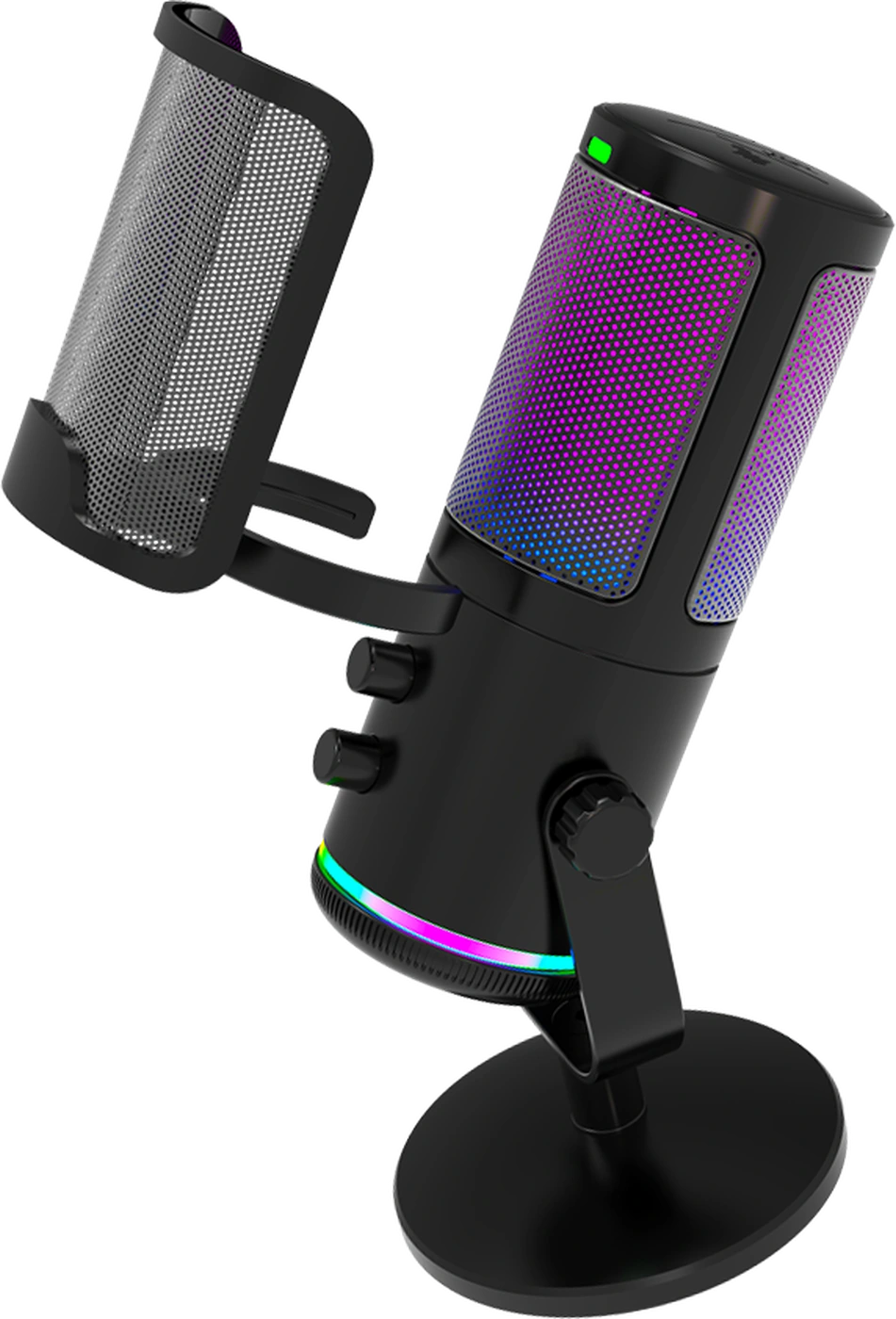
Softer breath sounds
The metal screen sits in front of the capsule.
Onboard controls
Two levels
Within reach
Set your voice and your listening volume separately, directly on the microphone.
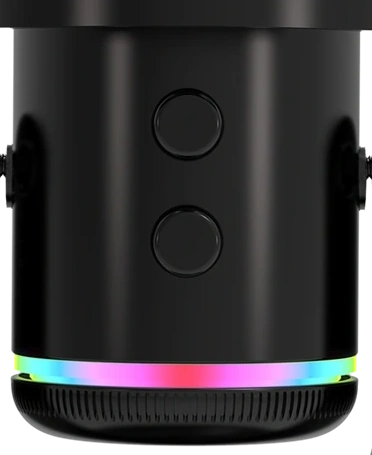
Microphone
Adjust voice input. Check the level in your recording app.
Headphones
Adjust listening volume without changing microphone input.
USB and monitoring
One connection to record
One to listen
USB-C carries power and audio. The 3.5 mm output keeps headphone monitoring within reach.
Touch control
Less background
More of your voice
Hold the touch control for noise reduction. Tap to mute the microphone whenever you need a moment.
Select a control to see what changes.
Voice and background shown together
Visual explanation of the controls, not an audio recordingRGB lighting
Set the mood
Keep your control
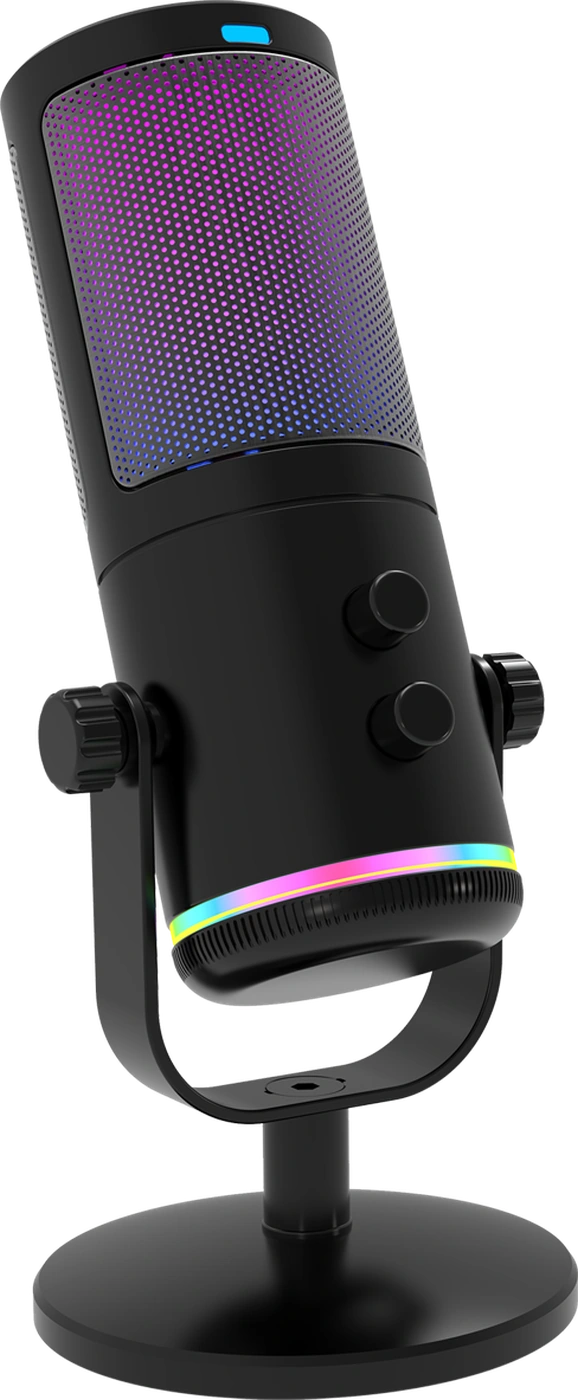
Light across the grille and lower ring. Change modes with the lighting control, or hold it to switch the lighting off.
- Static colour
- Gradient
- Breathing
The complete kit
From the box
To your desk
The microphone, metal filter and arm come together with the essentials to connect your setup.
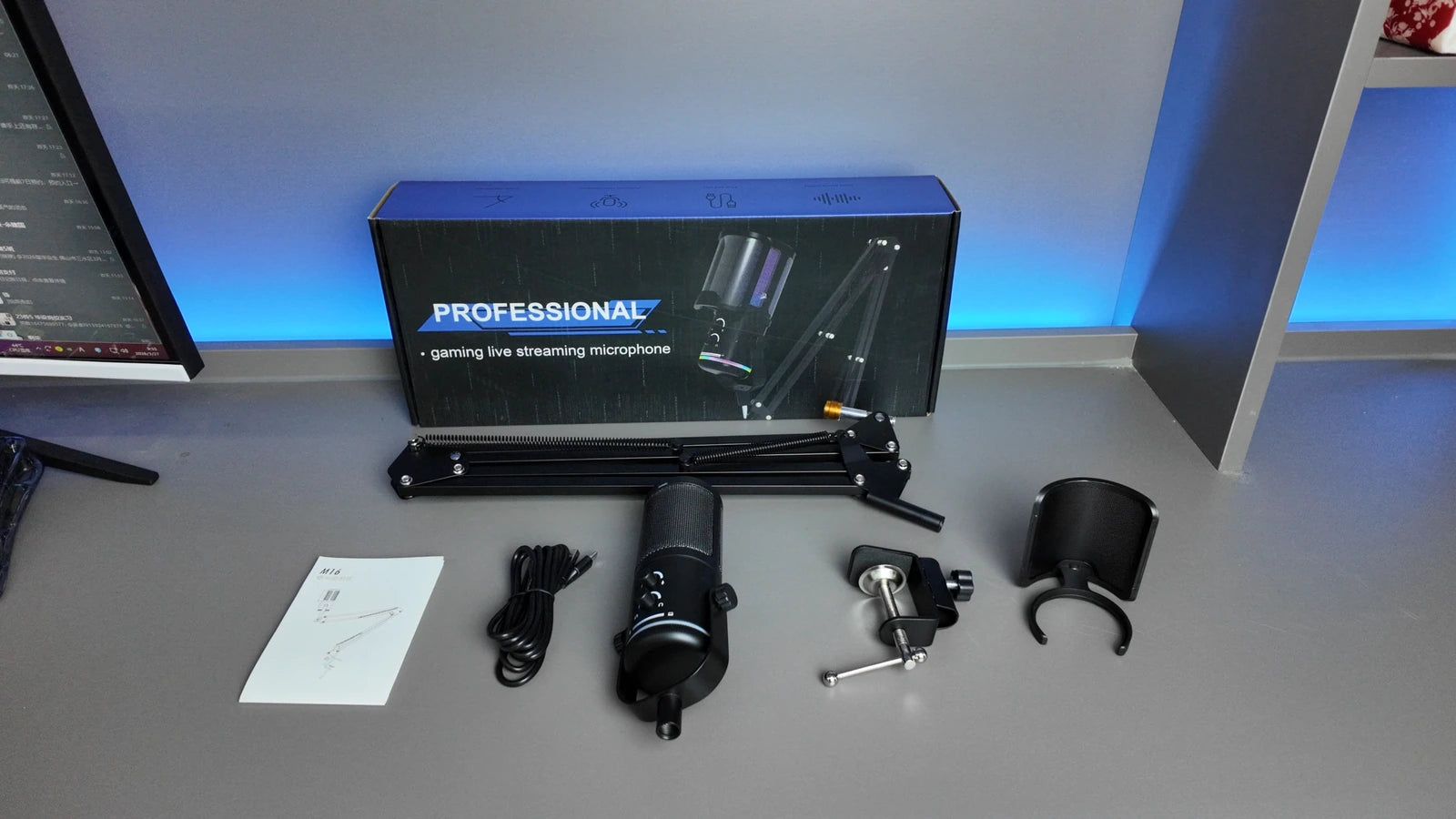
- M16 microphone
- Metal pop filter
- Boom arm and desk clamp
- USB cable
- User manual
Clamp the arm
Secure the clamp to a suitable desk edge.
Position the mic
Face the microphone toward your voice.
Connect USB
Select M16 as the input in your app.
Recording details
The sound
In detail
Choose the available recording format in your app. Supported formats depend on your device.
- Recording depth
- 24bit
- Sample rate
- 192kHz
- Cardioid capsule
- 14mm
Maximum supported recording depth and sample rate
- Frequency response
- 20 Hz–20 kHz
- Signal-to-noise ratio
- 80 dB
- Maximum sound pressure
- 124 dB SPL
- Power
- USB 5 V
- Headphone playback
- 48 kHz stereo
- Pickup pattern
- Cardioid
Questions and answers
Before you
plug in
Does M16 include the support?
This version includes the boom arm and desk clamp, along with the microphone, metal pop filter, USB cable and manual included in the arm kit.
How do I connect it?
Connect the USB-C port to a compatible USB device, then select the microphone in your recording, streaming or call app. A phone may require a compatible adapter and sufficient USB power.
How does noise reduction work?
Hold the mute touch control to activate noise reduction. It processes the microphone signal to reduce background noise. Speak toward the microphone and keep it close enough for a clear voice.
How do mute and RGB work?
Tap the mute control to switch microphone input on or off. Short-press the separate lighting control to change modes; long-press it to turn the lighting on or off.
Can I use headphones?
Yes. Connect headphones to the 3.5 mm output for monitoring, and adjust their volume on the microphone. This is separate from microphone input level.
What devices can I use?
M16 supports Windows, macOS, Linux, Android and iOS through a compatible USB connection. Choose the input in your app. USB adapters, power and available sample rates can vary by device.
M4G M16 REVIEWS
From your desk
Reviews from M16 owners
M16
Write a reviewJust be different™
Make room for your voice
A metal pop filter, flexible support and the controls you need for your next recording.
Back to M16