


1000 Hz
Polling rate

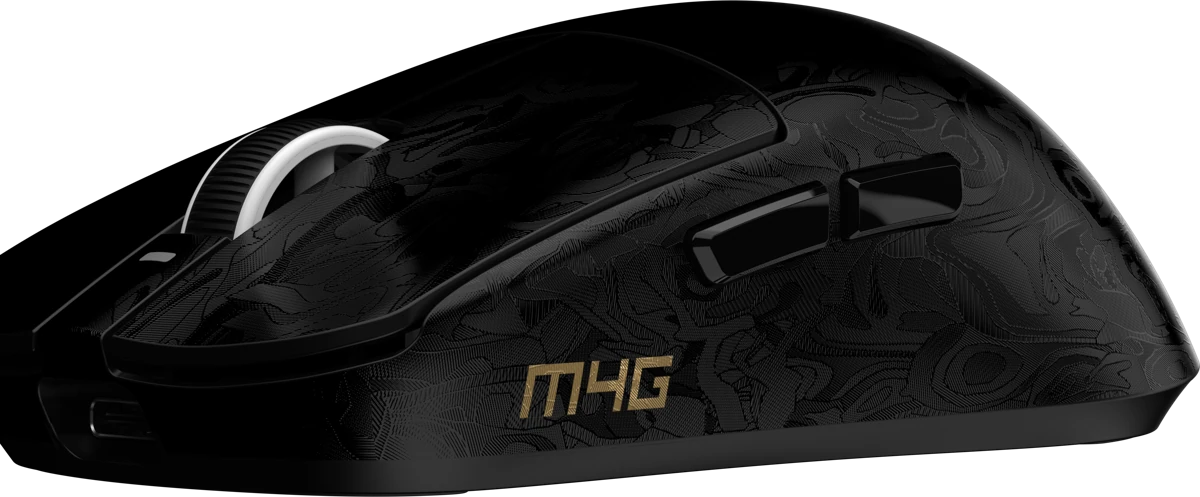
Three-quarter view

M4G presents MHM M1
Meet MHM M1 by M4G. A 50 g gaming mouse with three ways to connect, a signature carbon-pattern finish and an anti-sweat UV coating.
Polling rate
2.4 GHz / Bluetooth / USB-C
Battery life

Lightweight design
At 50 g, M1 keeps your mouse light in hand, from small aim adjustments to repositioning across your desk.
A compact shape, a carbon-pattern finish and an anti-sweat UV coating bring the design together.
Precision tracking
The PAW3311 optical sensor tracks your movement, from small aim adjustments to a sweep across your mousepad.
Set your sensitivity in the M1 software, with an adjustable range up to 22,000 DPI. Find the setting that fits your play.

Three ways to connect
Connect the 2.4 GHz receiver and keep your desk free
One M1, your choice of connection
Made to keep going
A 500 mAh rechargeable battery, ready for up to 80 hours of use
Up to80hBattery life
Battery life varies with connection mode, settings and usage
Switches, up close
Explore your main clicks and side controls
Left and right buttons
Blue Shell Pink Dot
HUANO Blue Shell Pink Dot switches power both main buttons
Your mouse, your settings
Open the M1 software to adjust your DPI, assign buttons and save profiles
Sensitivity
Adjustable up to 22,000 DPI
Choose a DPI level that fits your aim and your screen
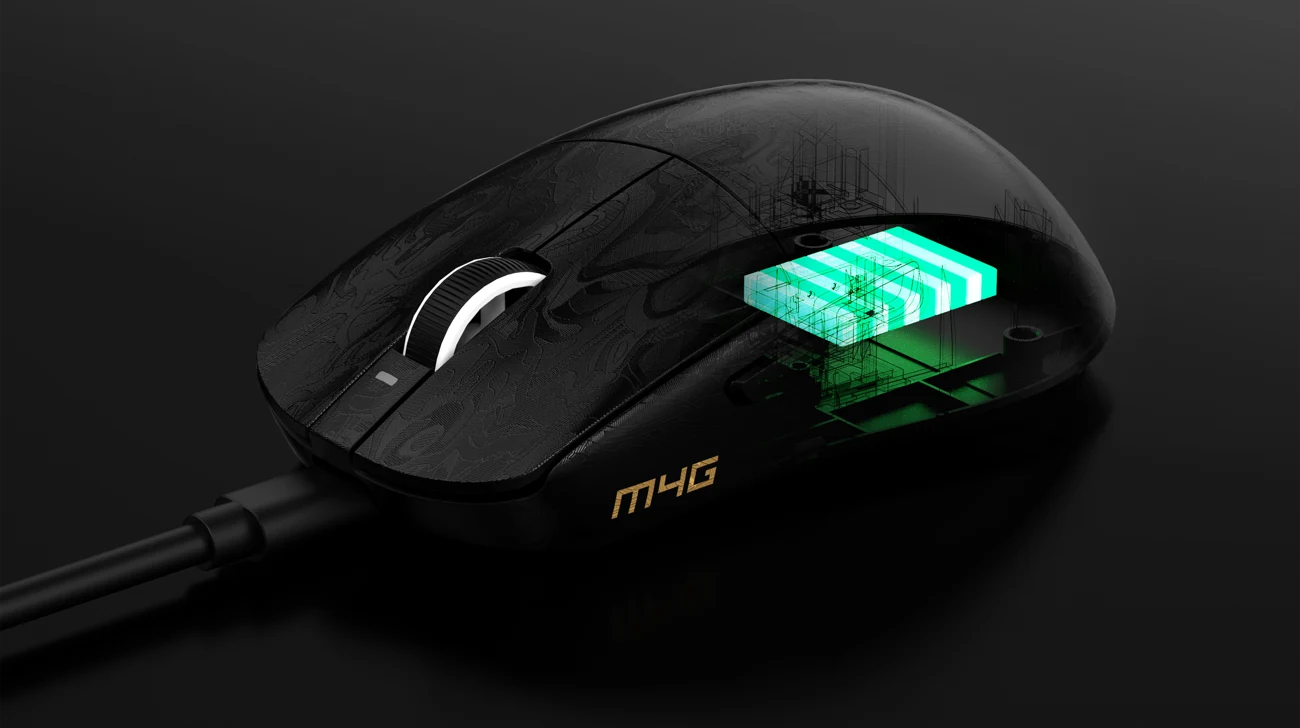
Inside M1
Every part, with a purpose

Left and right click controls
Carbon-pattern finish with an anti-sweat UV coating
Scrolling and middle click
HUANO Blue Shell Pink Dot for main clicks
Connects the controls and electronics
PAW3311 movement tracking
500 mAh rechargeable wireless power
Supports the internal components
Contact points with your mousepad
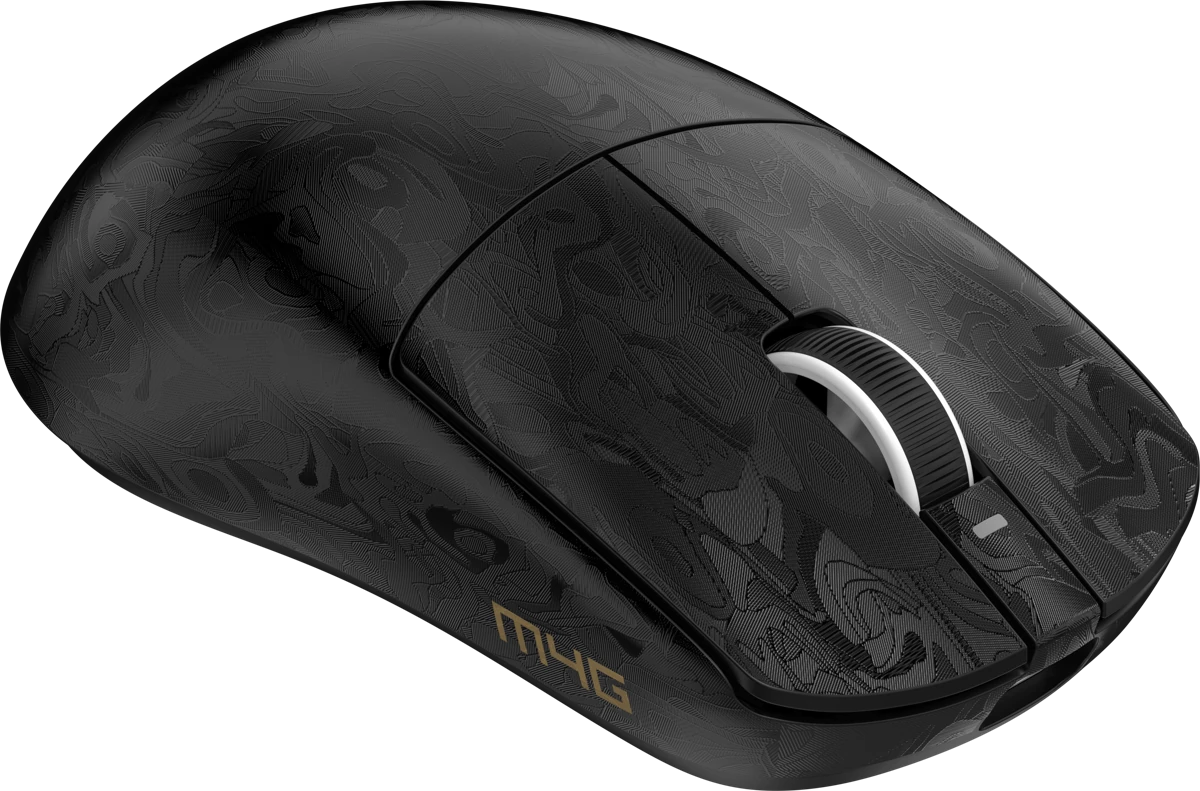
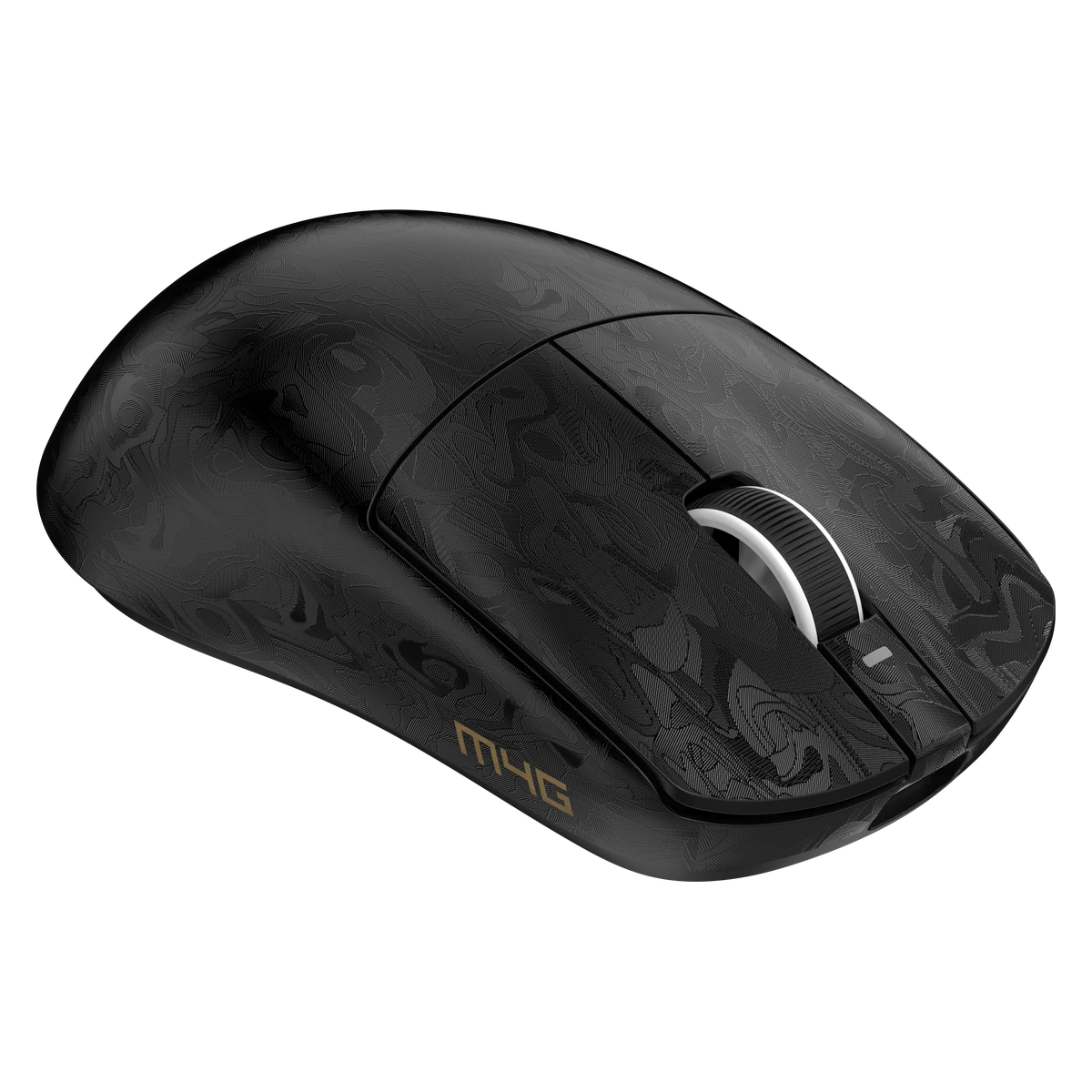
M1 design gallery
Explore M1 from every angle
The signature pattern, seen up close
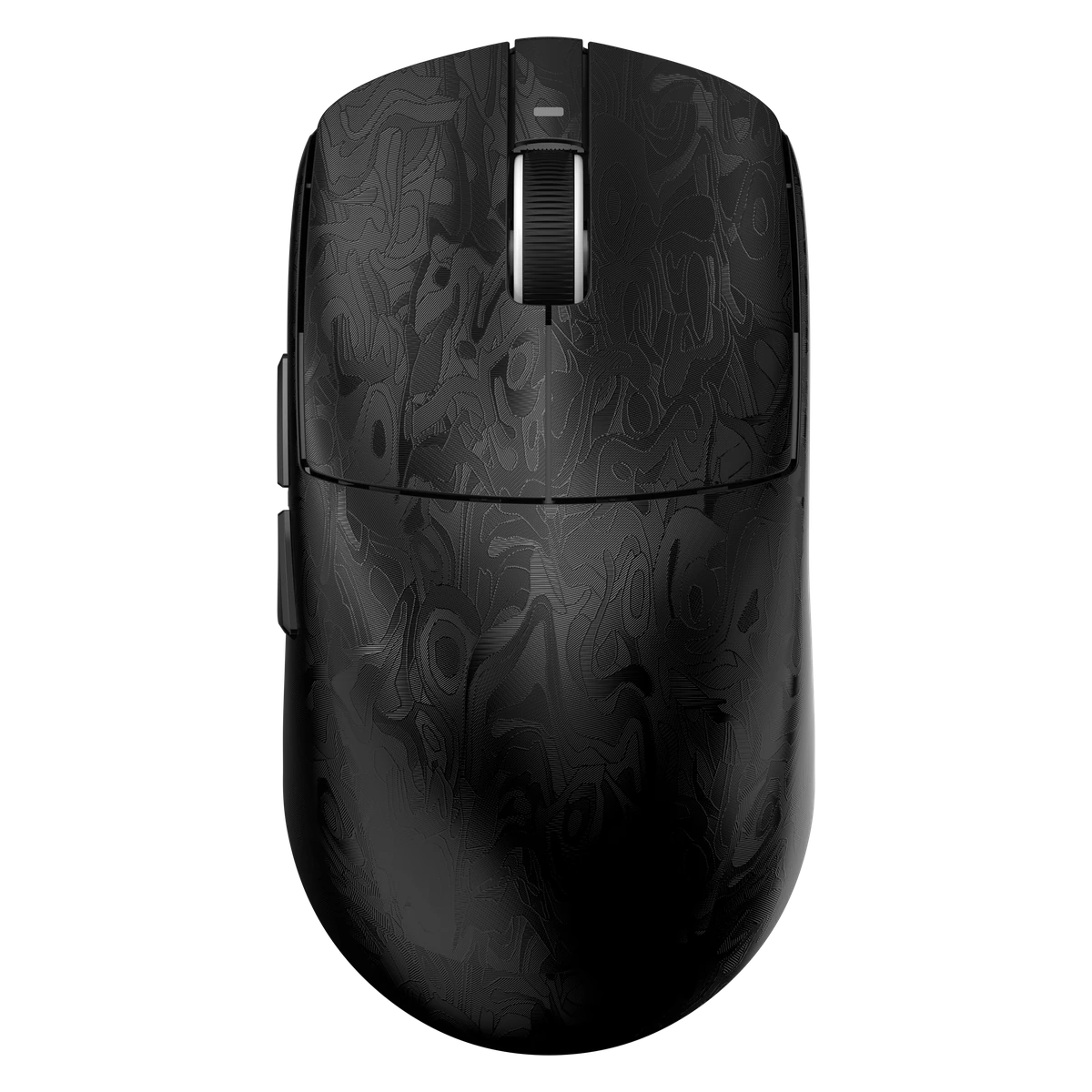
Black paint with an anti-sweat UV coating
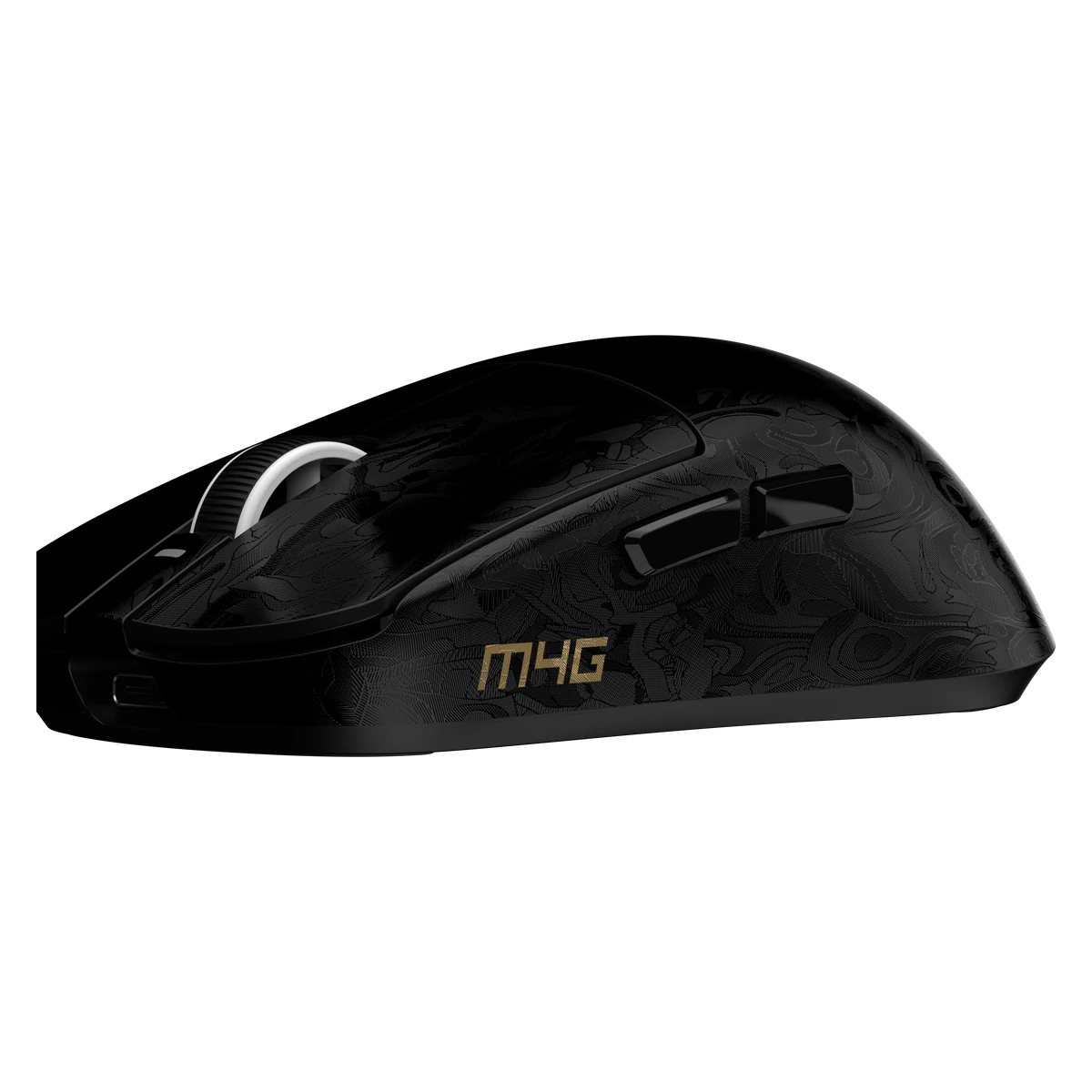
Thumb buttons and the M4G signature
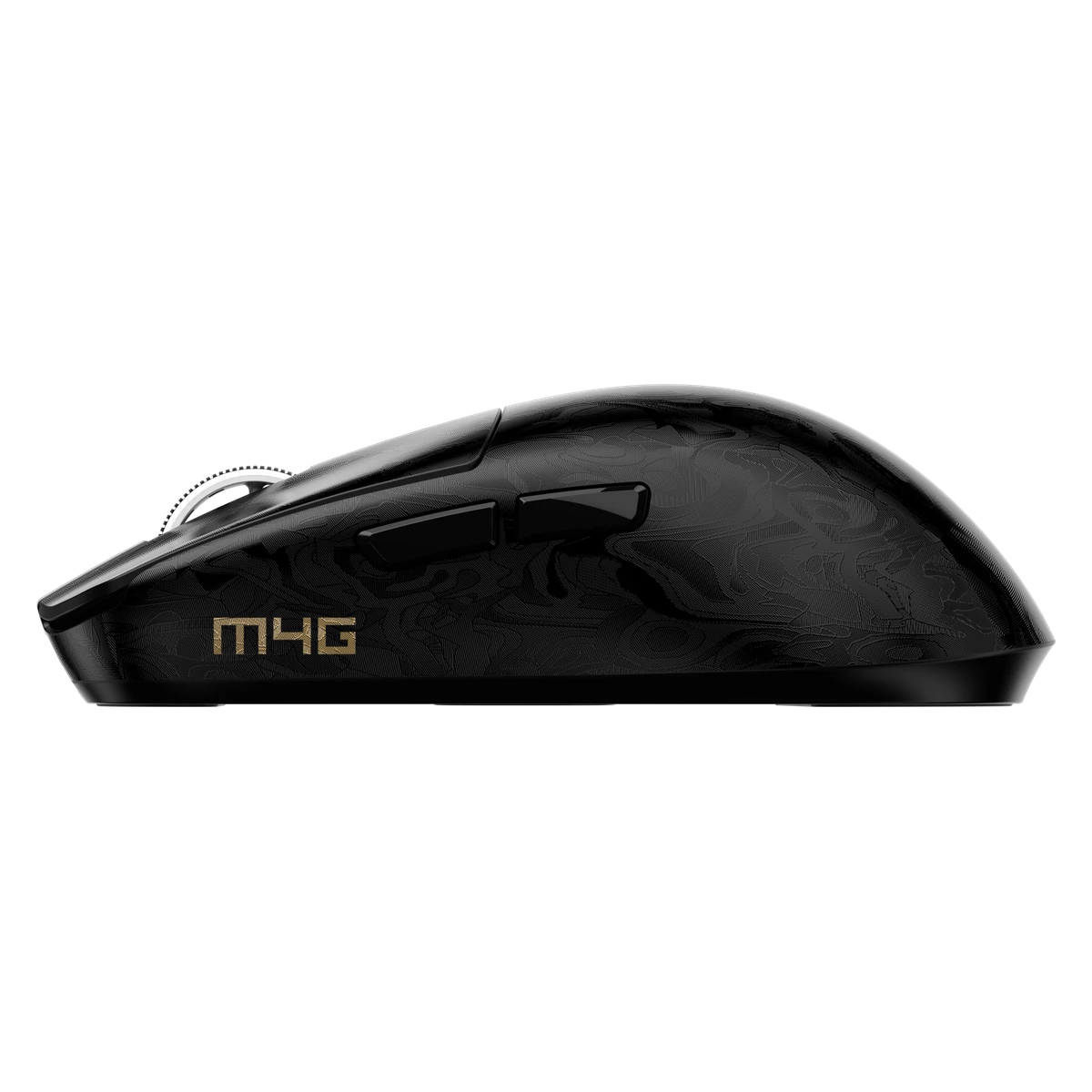
A closer look at the side profile
Dimensions & fit
A compact shape. A 50 g build. Made to move comfortably across your desk.
Inside the box
M4G M1 REVIEWS
Reviews from MHM M1 owners
Good to know
Choose between 2.4 GHz wireless with the included receiver, Bluetooth, or a wired USB connection. Select the wireless mode using the switch underneath the mouse.
Yes. M1 software lets you adjust sensitivity up to 22,000 DPI, assign button functions, create macros and save profiles. You can also cycle through the preset DPI levels using the button underneath the mouse.
The 500 mAh battery offers up to 80 hours of use. Battery life varies with connection mode, settings and usage.
Yes. Connect the included cable to your computer to use M1 in wired mode while charging.
The main left and right clicks use HUANO Blue Shell Pink Dot switches rated for 80 million clicks. The side buttons use TTC Silver switches.
The box includes the MHM M1 mouse, a USB charging cable and a 2.4 GHz wireless receiver.
Just be different™
Meet MHM M1. A compact, lightweight mouse with three ways to connect and the control to make it yours.
Back to M1