



USB + XLR
Two ways to connect

Complete WM8 setup

WM8 · Dynamic microphone
Meet WM8. A dynamic microphone with USB and XLR connections, headphone monitoring and controls within reach.

Two ways to connect
Hold mute to activate
3.5 mm headphone output
Gain, mute and RGB
Digital controls and lighting operate through USB.
USB + XLR
Go straight to your computer. Or connect to your audio interface. WM8 gives you both.

Use the USB connection to record on your computer, with the microphone controls and RGB lighting within reach.
USB-C on the microphoneConnect the XLR output to a compatible audio interface or mixer. Adjust recording gain through your connected audio equipment.
Audio interface or mixer requiredHear yourself through USB.Plug your headphones into the 3.5 mm output for monitoring.
Onboard controls
Set your voice level and shape what you hear, directly on the microphone.

These controls operate through USB
Dynamic microphone
A moving-coil capsule for your voice, with a foam windscreen for close-up speaking.
Mute + RGB
Mute your microphone with one touch. Press again when you are ready to speak.
Boom arm + shock mount
Bring the microphone to you and keep your desk free for the rest of your setup.
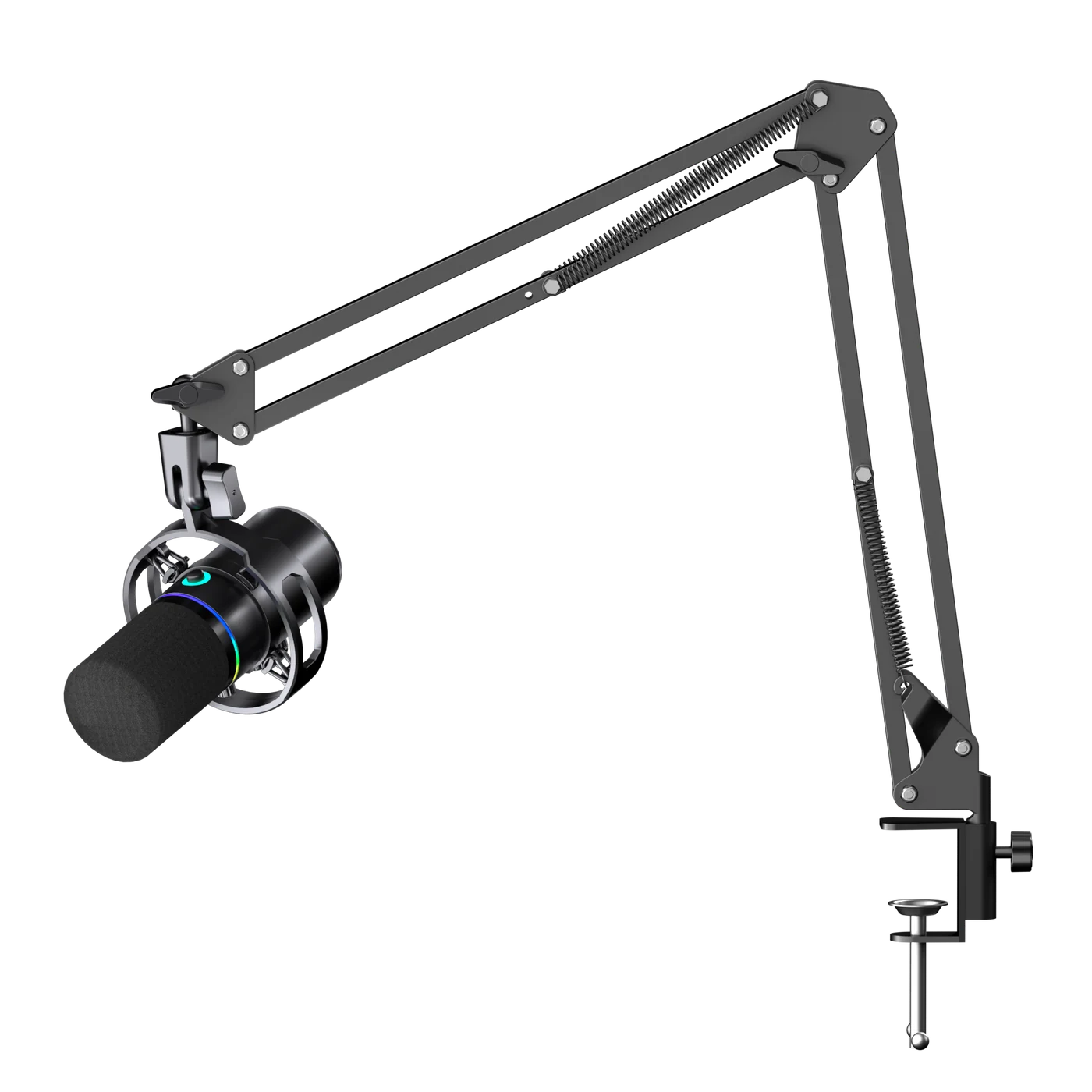
Adjust the articulated arm and microphone angle to bring WM8 close to your mouth.
The clamp mounts the arm to the edge of your desk, leaving space beneath the microphone.
The shock mount helps reduce mechanical vibrations transferred from the arm to the microphone.
The WM8 kit
Your microphone, its arm and the essentials to get set up.
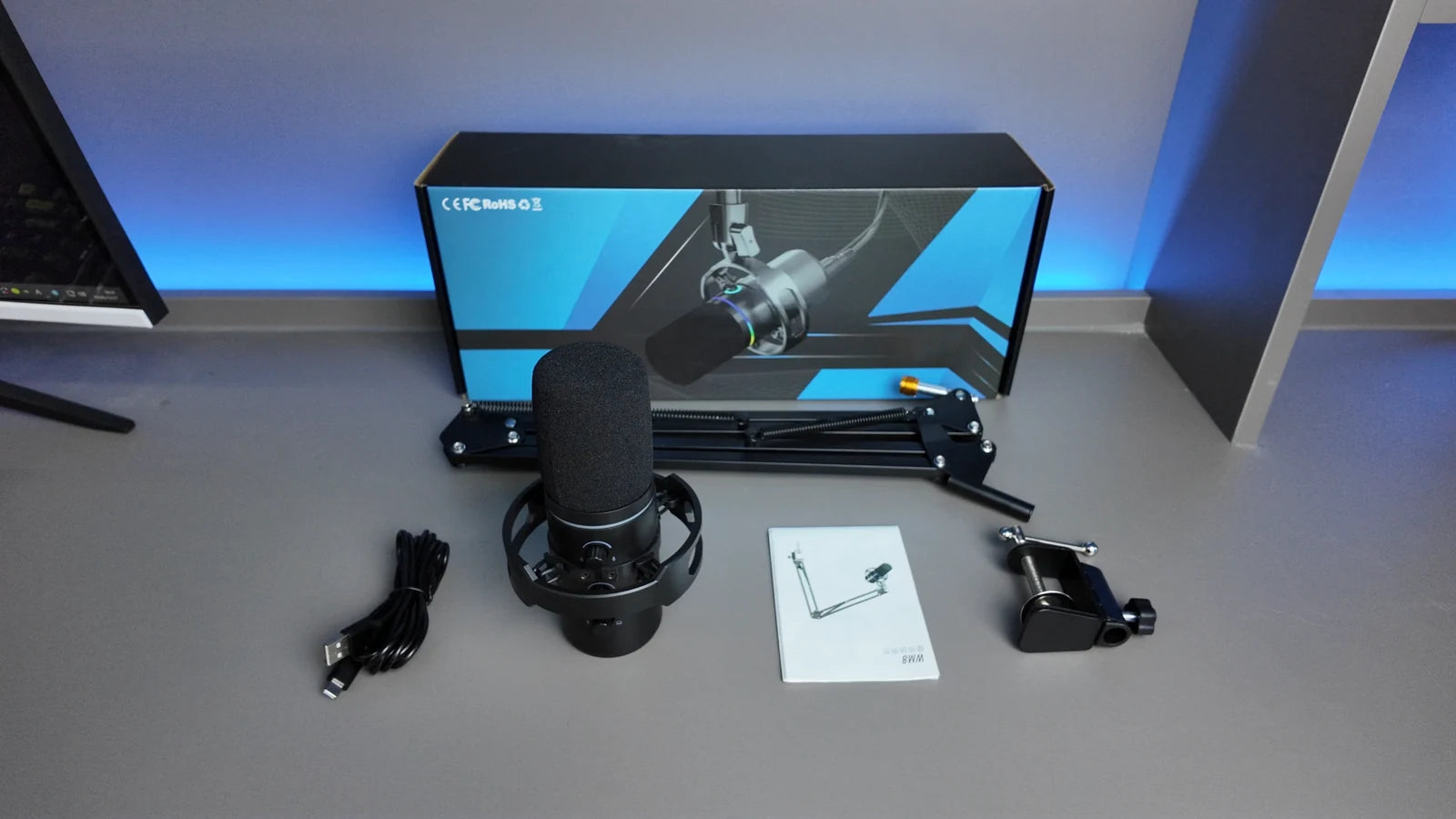
Dynamic mic and shock mount
Includes the desk clamp
USB connection and power
Setup guide
The details
The essentials for your recording setup
Before you start
For USB, connect WM8 directly to your computer with the supplied cable. For XLR, you need a compatible audio interface or mixer and an XLR cable, which are not included.
In the USB setup, plug your headphones into the 3.5 mm output. Use the headphone-volume control and monitor-mix control to adjust what you hear.
USB provides the microphone gain, headphone volume and monitor-mix controls, as well as mute, noise reduction and RGB lighting. With XLR, adjust your sound on your audio interface or mixer.
In USB mode, press and hold the mute control to activate noise reduction. A green indicator confirms that this mode is active; blue indicates normal operation and red means muted. Use it to reduce background noise during calls, streams or recording. Keep the microphone close to your mouth and adjust the gain for your voice.
Move the boom arm so the microphone is close to your mouth. Speak toward the capsule, keep a comfortable distance and adjust gain to avoid clipping. The foam cover helps soften breath bursts.
Yes. In USB mode, touch the lighting control to change the effect. Press and hold it to turn the lighting on or off.
WM8 microphone, boom arm, USB Type-C cable and user manual. An audio interface, headphones and an XLR cable are not included.
M4G WM8 REVIEWS
Reviews from WM8 owners
Just be different™
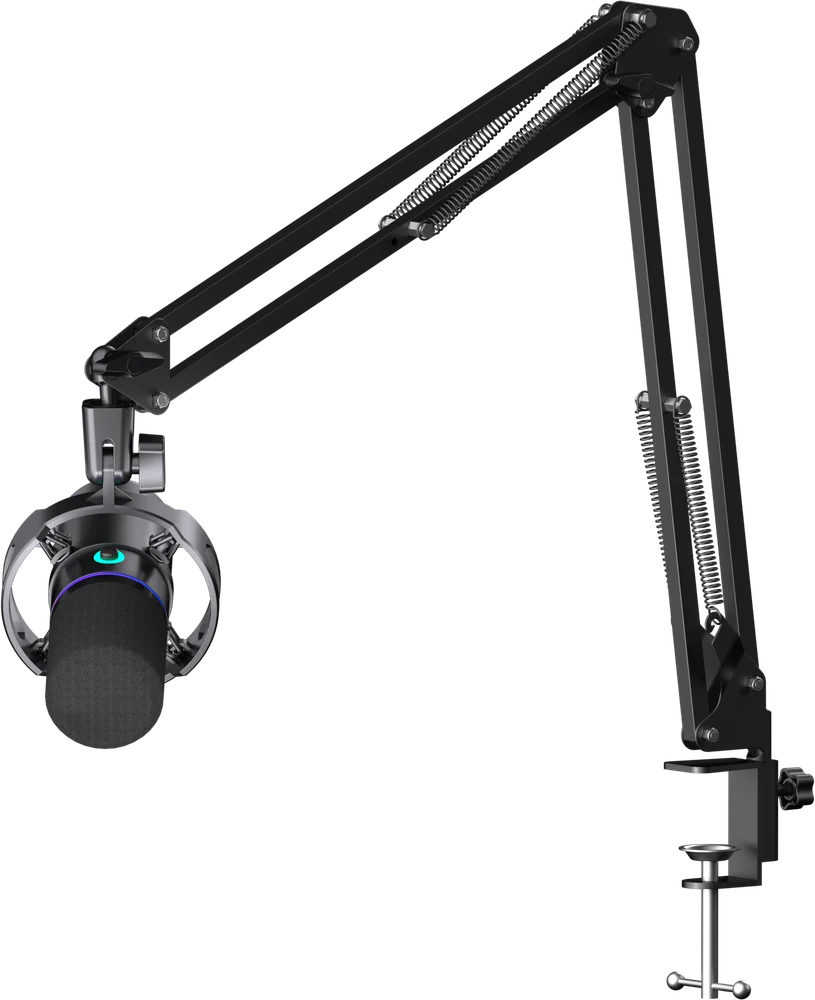
WM8 brings your microphone, boom arm and controls together in one desk setup.
Back to WM8